
Your AI
trading platform.
Turn your trading ideas into rules. Your plan names the entry, the size, the stop, and the target before you approve it.
$0/month software · macOS + Windows · Interactive Brokers & NinjaTrader 8 · No credit card · Free AI model included
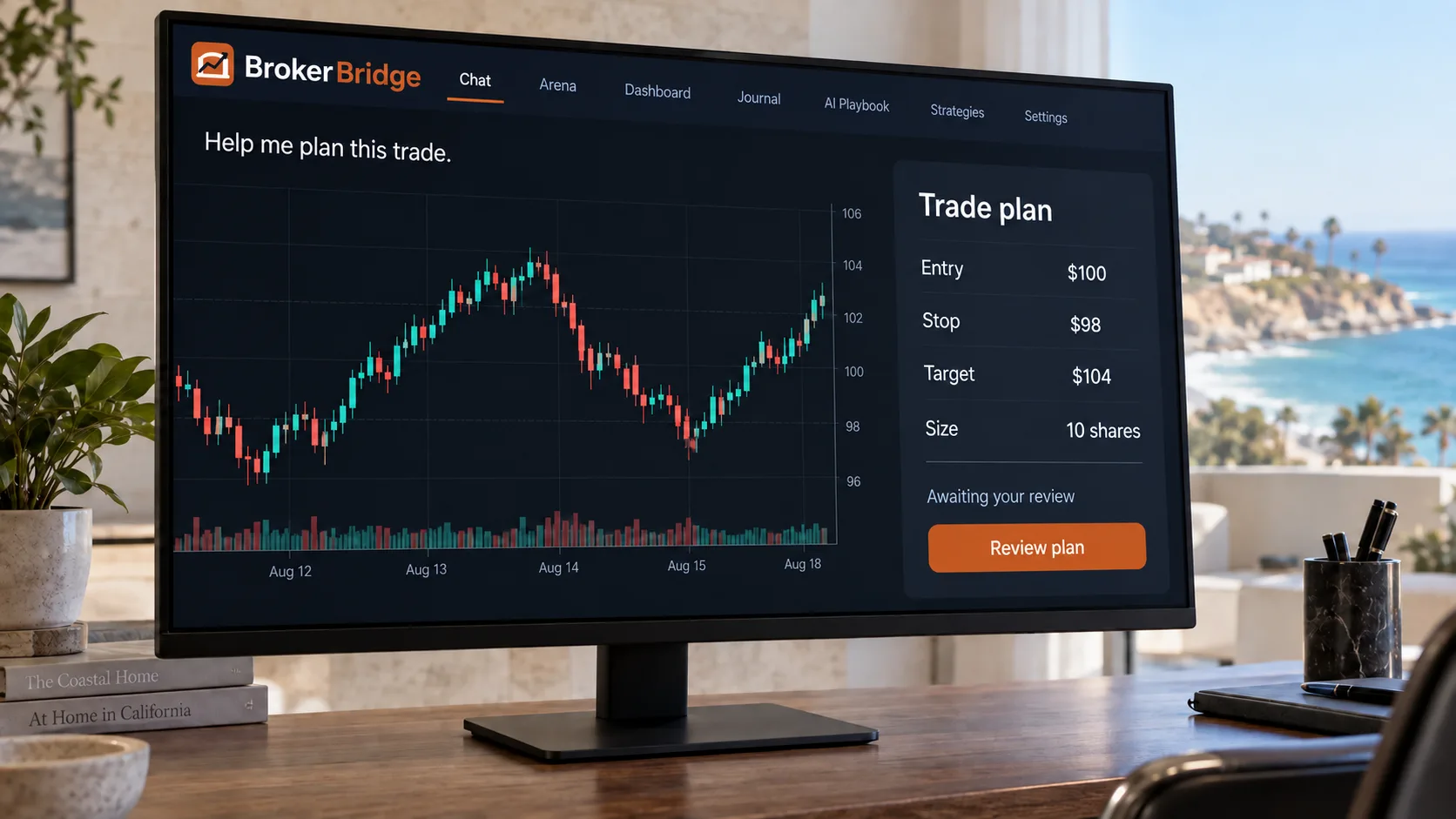
See how BrokerBridge works.
Watch how BrokerBridge turns research into a plan you can review. Then see how Journal and AI Arena help you understand your decisions.
36 seconds · Sound and captions

Plan the trade before you place it.
Information is everywhere.
But how do you trade, track, and learn?
That’s where BrokerBridge comes in.
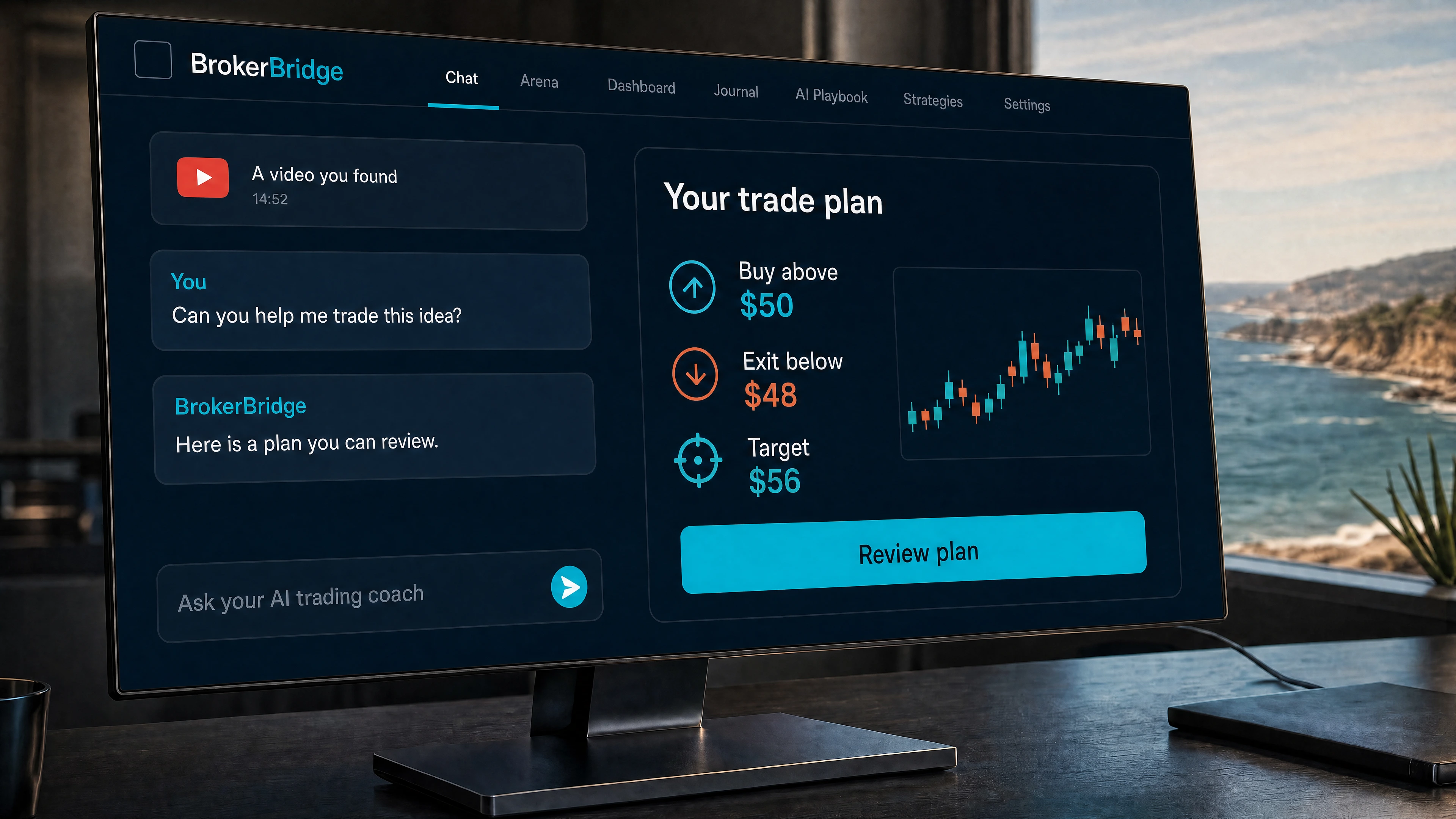
Turn what you find into a trade you understand.
Bring a video, a lesson, or an idea. Your AI trading coach helps you decide when to enter, what to risk, and when to get out.

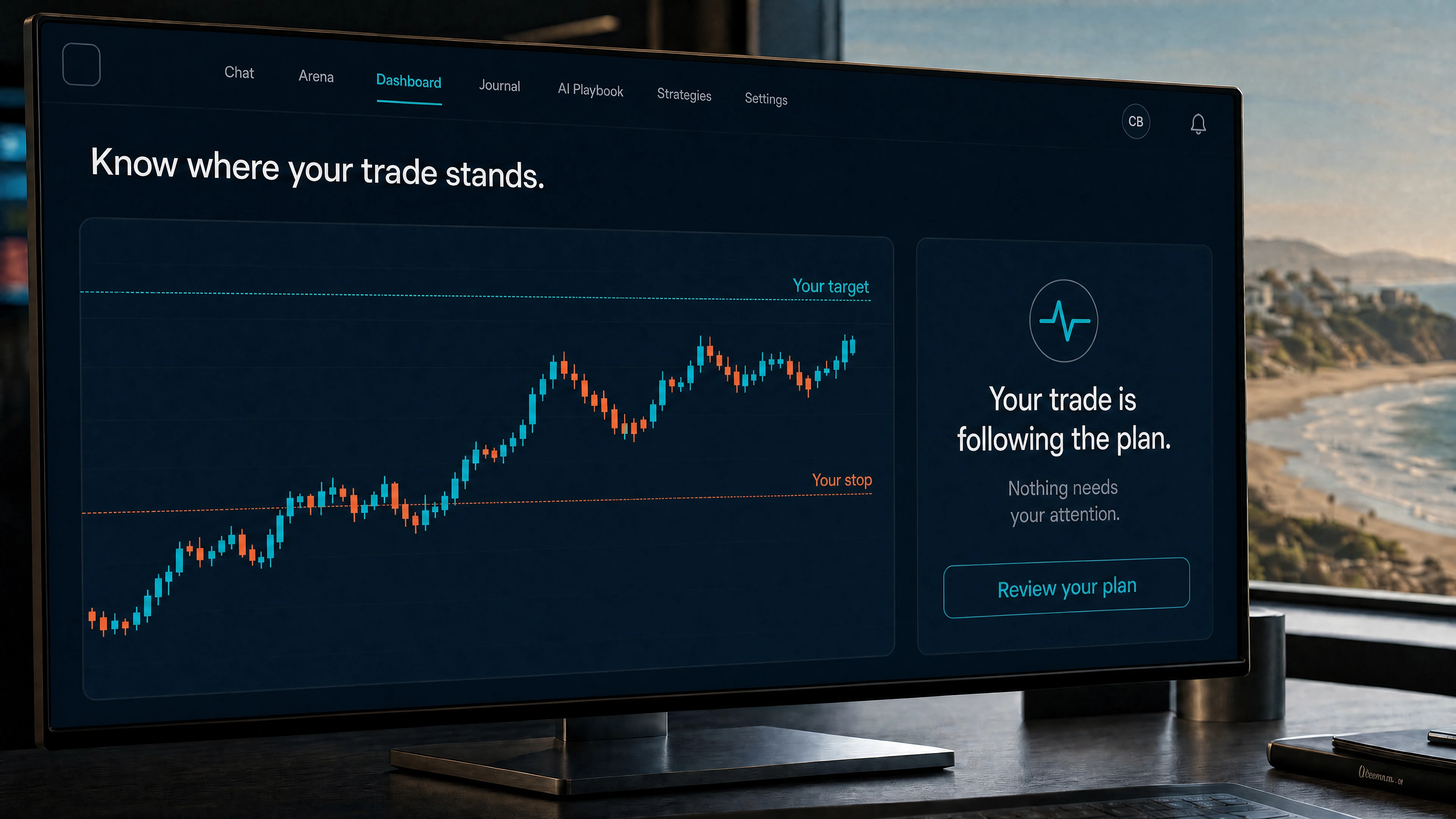
Know what happens after you enter.
Your position, your stop, your target. Follow the trade with the rules you chose.
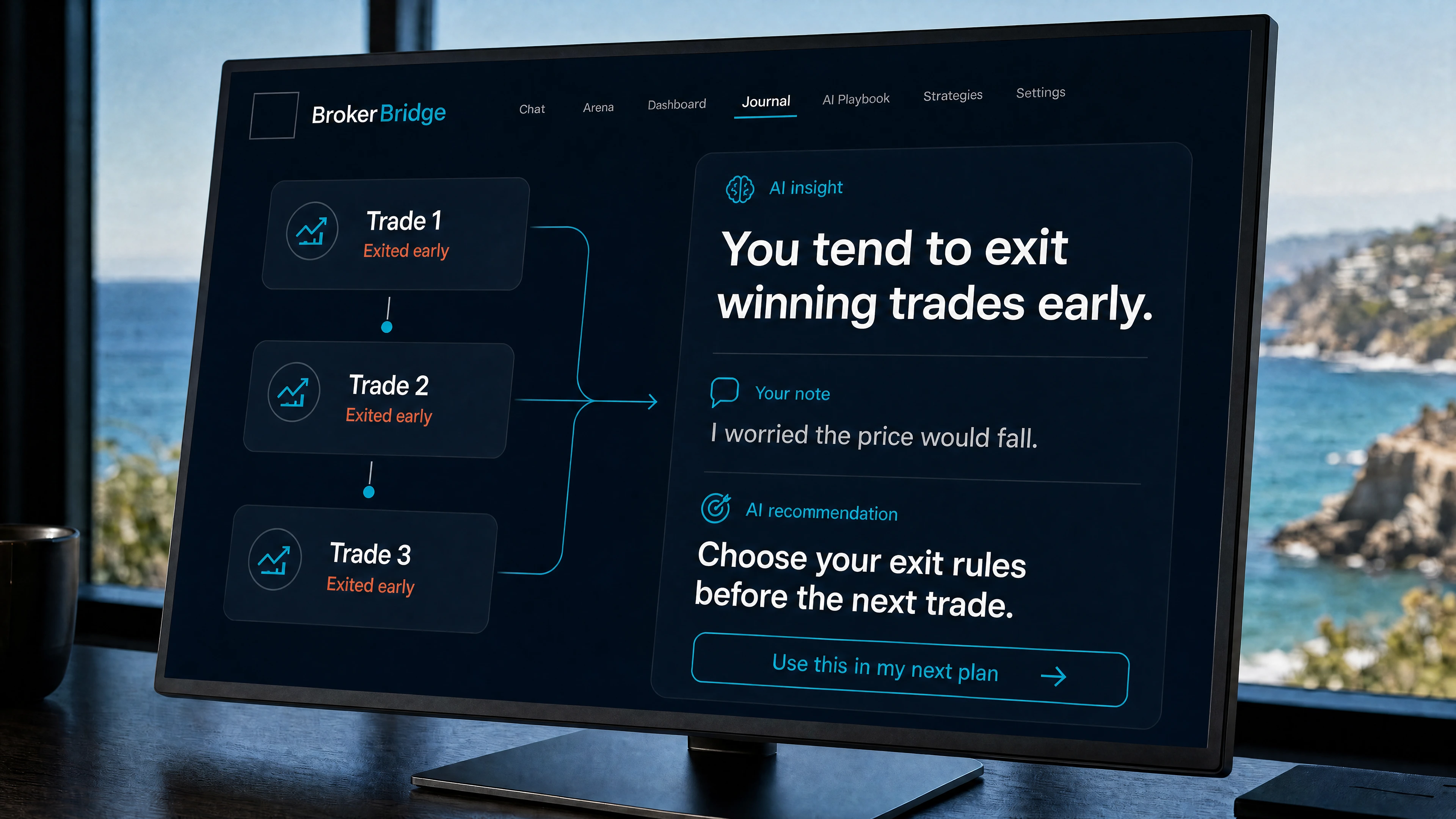
Your next trade starts with what you learned.
Spot habits like exiting before your planned target. Bring what you learn into your next plan.
Which AI would you trade with?
AI Arena lets you compare how different AI models approach the market. See what each chooses, read its reasoning, and follow what happens next.
The same market. The same starting budget.
 GPTAI model
 DeepSeekAI model
Different decisions.
Reasons you can read.
Each model manages its own simulated portfolio. You can follow the choices and compare the results.
Look past the leaderboard.
- What did it choose?
- See which stocks it bought or sold, and when it chose to wait.
- Why that decision?
- Read the model’s recorded reasoning alongside its trades.
- What happened next?
- Follow its portfolio over time, including costs, and compare it with the market.
Explore the public Arena. No account needed.
Give your AI a way to think.
The AI model does the research. A method tells it what to look for. Choose a published investing approach or write your own rules.

Quality and value
Buffett-inspired
Ask the AI to examine a company’s cash flow, debt and competitive advantage before weighing its price.
For example, “Is this a strong business at a sensible price?”
Rates and the economy
Druckenmiller-inspired
Ask the AI to connect interest rates, economic changes and market trends to the trade you’re considering.
For example, “How could falling interest rates change this trade?”
Data and patterns
Simons-inspired
Ask the AI to compare price moves with historical patterns and check what would invalidate the setup.
For example, “What would confirm this pattern, and what would prove it wrong?”
A few things to know.
BrokerBridge helps you research ideas, prepare plans, and track outcomes. Ask for a draft when you want to review first. An explicit instruction to trade now can authorize an order in Chat; saved strategies can also act within permissions you grant.
Permission can be a direct Chat instruction, not just an approval click. On Local, IBKR Paper, or NT8 Sim, an explicit buy, sell, or close-now request can send an order in the same reply. On live accounts, the first order requires typed LIVE; later requests in the same chat and destination can use that permission for up to 8 hours. Strategies can act within prior permission. Account, risk, and execution checks still apply.
No. Start with a question or a sample plan. Connect a broker when you want orders to reach one.
Interactive Brokers and NinjaTrader 8. NinjaTrader 8 is Windows. You do not need a broker to start.
A Mac with Apple Silicon (M1 or later) running macOS 12 Monterey or later, or a Windows PC running 64-bit Windows 10 or 11. Intel Macs are not supported. There is no phone or tablet app. NinjaTrader 8 is Windows-only and must run on the same PC as BrokerBridge. A Mac can use the Local simulated account or Interactive Brokers.
Local broker execution on your computer. Cloud AI available through managed models. Your broker credentials stay on your computer.
The app, the Local simulated account and the broker connection cost $0 per month. A free AI model is included and capped daily. Premium models such as Claude, GPT, Gemini and Grok run on prepaid credits you buy inside the app when you want them.
You can use top models like Claude, GPT, DeepSeek, Gemini, and other models we test in public, or enable Multi-Model Consensus to combine insights across multiple AI systems at once.
Your words can authorize a trade.
For your first session, choose Local and ask for an explanation or a draft for review. An explicit trade-now request can send a Local or paper order without another approval click.
Start with Your first hour →Read how Chat permissions work →
Your first plan starts with a question.
Try the demo in your browser. Ask for a trade plan and see how BrokerBridge puts it together.
Try the demo Download the app